Training Course Special Plan
480min
 Supports both single-address and multi-address queries
- Visualized transaction flow analysis for easier understanding
- Flexible service purchases based on user needs

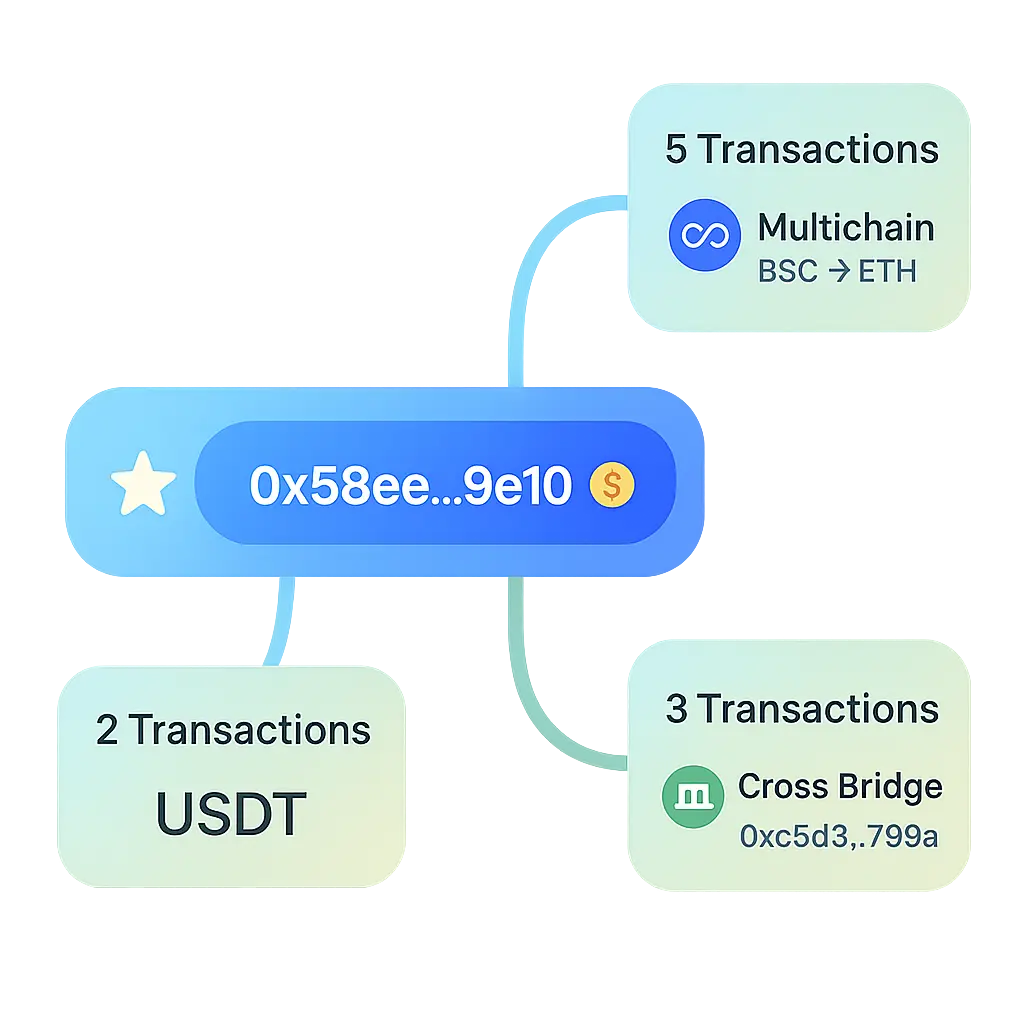
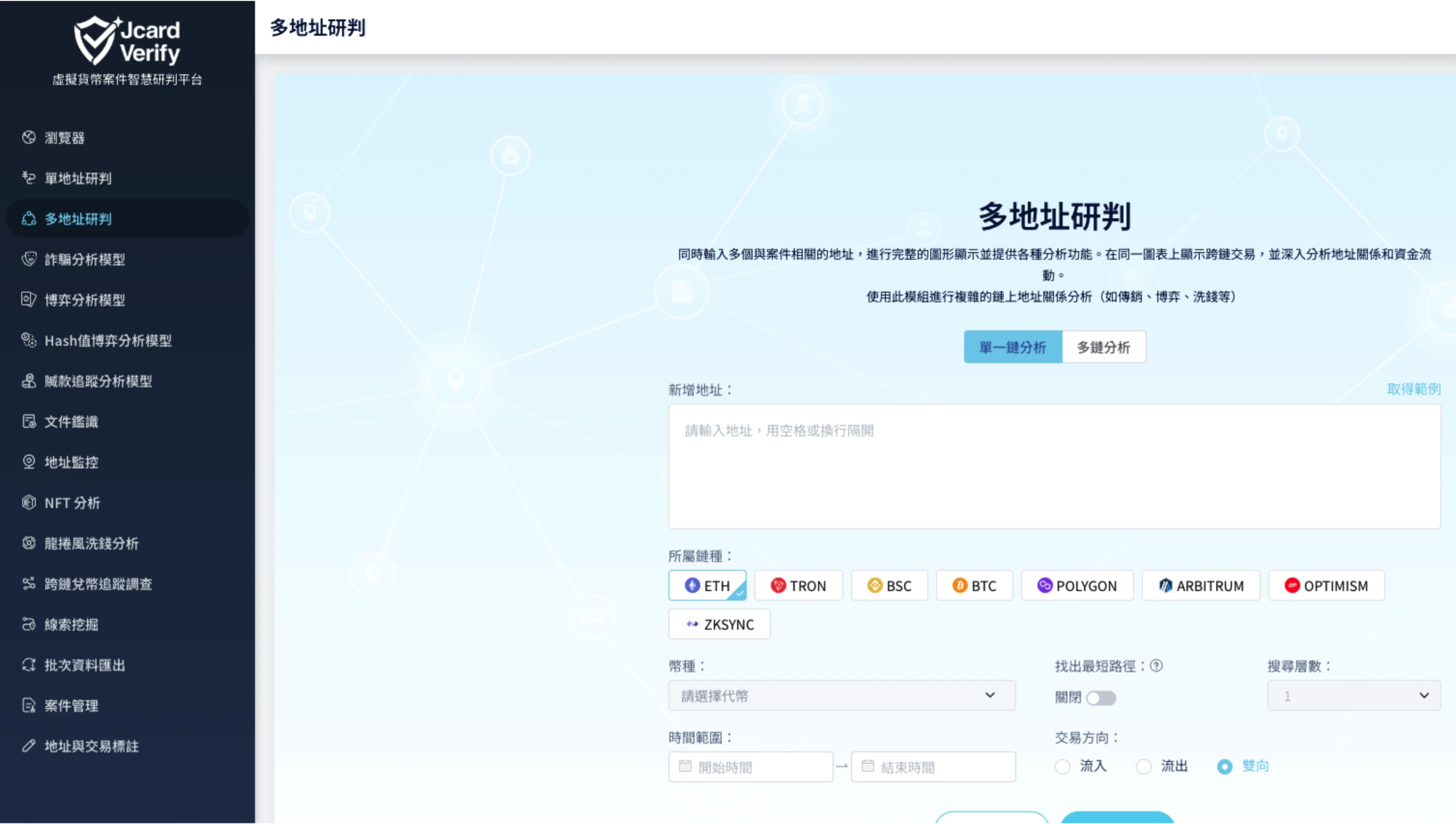
Through visual analysis and AI technology, assist in tracking the flow of cryptocurrency funds and enhance the ability to trace illegal activities.
JV Monitor Lite is a real-time blockchain address and transaction flow analysis tool suitable for:
Register as a Jcard Verify Digital Trust Center member to receive a free trial. Certain workshops and educational collaborations may also provide limited-time trial hours or discount codes.
Currently supported blockchains include Bitcoin (BTC), Ethereum (ETH), TRON (TRX), Binance Smart Chain (BSC), Solana (SOL), and more. Users can freely switch between chains for rapid analysis.
This product is an instantly activated digital content service. Once subscribed, query functions and account analysis records become available immediately. According to Article 19, Paragraph 1 of the Consumer Protection Act regarding digital content not provided in tangible form, refunds are not available.
Go to 'Membership Plan' in your profile page and click the 'Cancel Subscription' button to successfully stop automatic renewal for the next billing cycle.
Please note: If your account still has remaining purchased minutes, you will no longer be able to use JV Monitor functions after canceling your subscription. To restore access in the future, please repurchase a subscription plan from the plan page.
Common reasons for payment failure include 'credit card declined', 'expired card', 'payment API errors', or 'user manually canceled authorization'. Please verify that your payment method is valid and retry the payment to complete activation.
Purchased add-on minutes are considered a one-time digital content service. Once purchased, they are automatically credited to your account and cannot be canceled or refunded, even if unused. Please confirm your needs and account status before purchasing. If you encounter technical issues or operational errors, please contact customer support immediately.
To maintain system integrity and protect user rights, additional minutes are only available for accounts with an active subscription plan. If you have not subscribed to a base plan (such as JV Monitor Lite), you cannot purchase additional minutes separately. Please subscribe first to activate account functionality before purchasing extra minutes.
Users can contact the technical support team via email at service@jcardv.com for assistance with operational, account, or billing-related issues.